
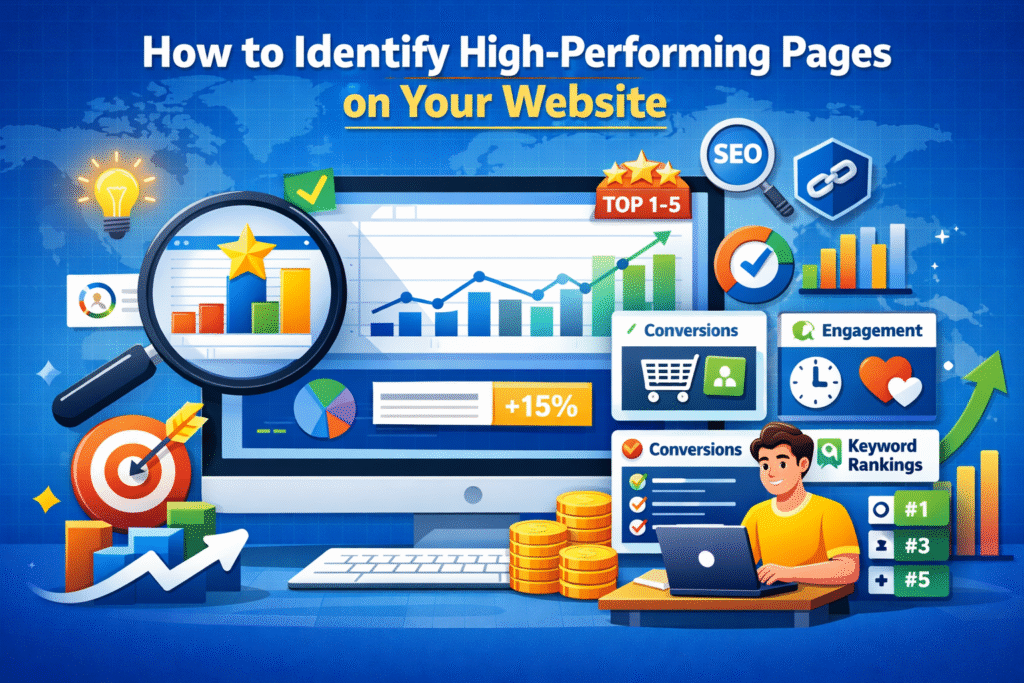
Understanding which pages perform best on your website is crucial for improving conversions, SEO rankings, and overall digital growth. High-performing pages show you what’s working—so you can scale success instead of guessing.
In this guide, we’ll show you how to identify high-performing pages, the key metrics to track, and how to use those insights to grow your business.
What Are High-Performing Pages?
High-performing pages are webpages that consistently:
- Attract quality traffic
- Engage users effectively
- Rank well on search engines
- Drive conversions (leads, sales, sign-ups)
These pages are your digital assets—they already work, and optimizing around them delivers faster results.
Key Metrics to Identify High-Performing Pages
1. Organic Traffic
Pages with steady or increasing organic traffic usually rank well for valuable keywords.
Tools to use:
- Google Analytics
- Google Search Console
📌 Look for pages with high sessions and users from organic search.
2. Engagement Metrics
High engagement indicates valuable content.
Track:
- Average time on page
- Scroll depth
- Pages per session
- Bounce rate (lower is better)
Pages where users stay longer typically perform better in SEO and conversions.
3. Conversion Rate
A high-performing page isn’t just visited—it converts.
Conversions may include:
- Contact form submissions
- Product purchases
- Newsletter signups
- Downloads
📌 Even low-traffic pages with high conversion rates are valuable.
4. Keyword Rankings
Pages ranking in the top 10 search results for relevant keywords are strong performers.
Check:
- Keyword position
- Click-through rate (CTR)
- Search impressions
High impressions + high CTR = strong search intent match.
5. Backlinks & Authority
Pages earning backlinks naturally are considered trustworthy by search engines.
More backlinks = better rankings = sustained performance.
How to Find High-Performing Pages (Step-by-Step)
Step 1: Use Google Analytics
- Go to Reports → Engagement → Pages and Screens
- Sort by:
- Views
- Average engagement time
- Conversions
Step 2: Analyze Google Search Console
- Go to Performance → Pages
- Filter by:
- Clicks
- Impressions
- Average position
Step 3: Compare Time Periods
Check month-over-month or year-over-year growth to spot consistent performers.
Step 4: Segment by Traffic Source
Identify which pages perform best from:
- Organic search
- Paid ads
- Social media
- Direct traffic
What to Do After Identifying High-Performing Pages
Once identified, double down on what works:
✅ Update and refresh content
✅ Add internal links to boost other pages
✅ Improve CTAs to increase conversions
✅ Repurpose content into blogs, reels, or emails
✅ Create similar pages around the same topic
High-performing pages should act as growth hubs, not static content.
Common Mistakes to Avoid
❌ Focusing only on traffic, not conversions
❌ Ignoring engagement metrics
❌ Not updating old high-performing content
❌ Treating all pages the same
Final Thoughts
Identifying high-performing pages helps you:
- Improve ROI
- Scale SEO faster
- Make data-driven decisions
- Build a stronger digital presence
At Digital It Up, we help businesses track performance, optimize content, and convert traffic into revenue using analytics-driven strategies.